When consultants/associates have a video call appointment scheduled, you can access the Video link from booking confirmation emails or via Phoenix directly.
Access from booking confirmation emails
Both consultants/associates and the customer have access to video call links via the original booking confirmation email which is sent shortly after the booking was made.
Some email providers may recognise the meeting information and add it to your calendar, however this is not officially supported and is not synchronised with Phoenix (if any changes to the appointment occur).
Access from Phoenix
Consultants/associates can access video call links directly from Phoenix by following the steps below:
-
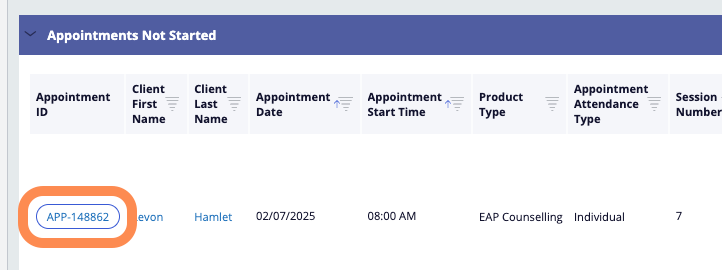
In Phoenix Quick View page, look for the upcoming appointment which will be listed in the “Appointments not started” section
-
Click the Appointment button on the left side of the listing (APP-XXXXX)
-
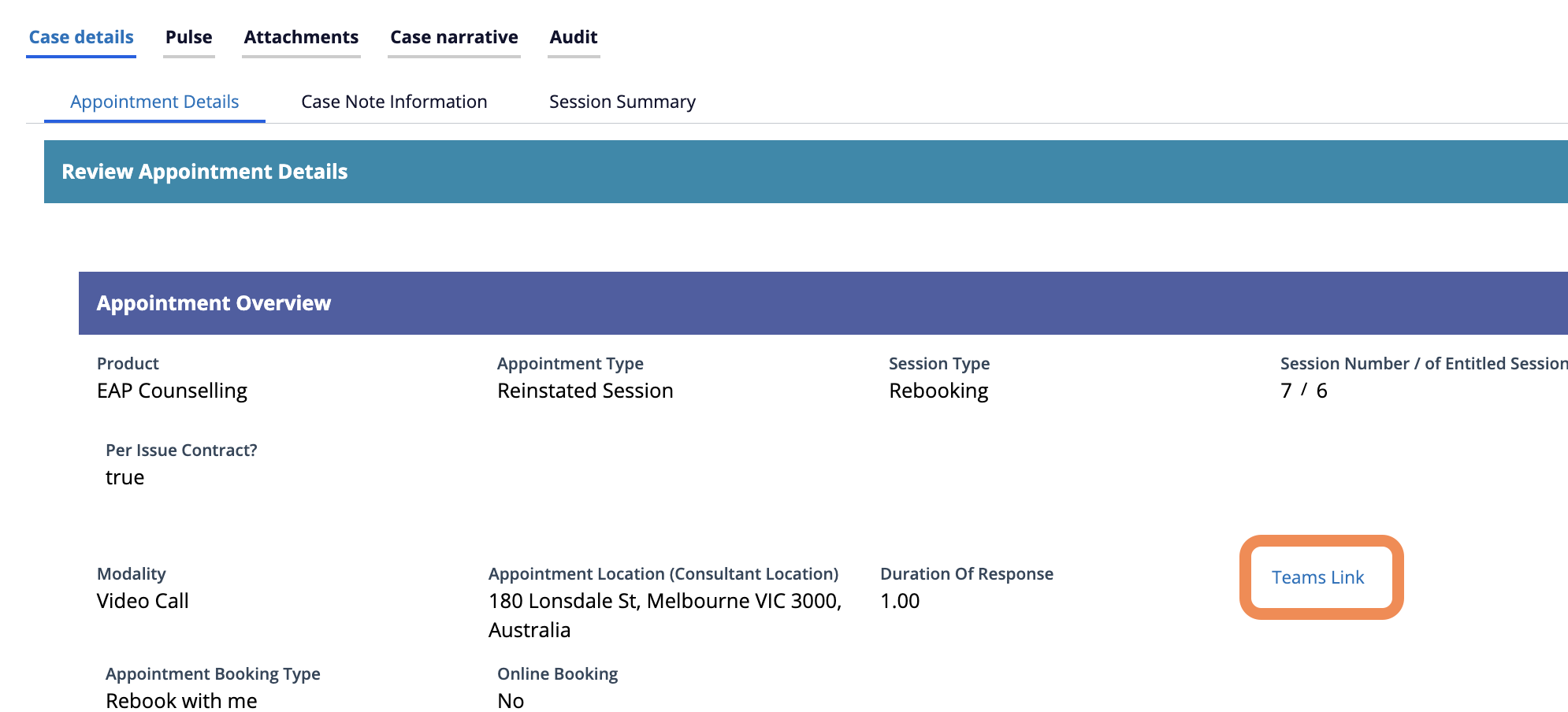
In the appointment screen that loads, scroll down where you will see the Microsoft Teams meeting link